Lyrics View
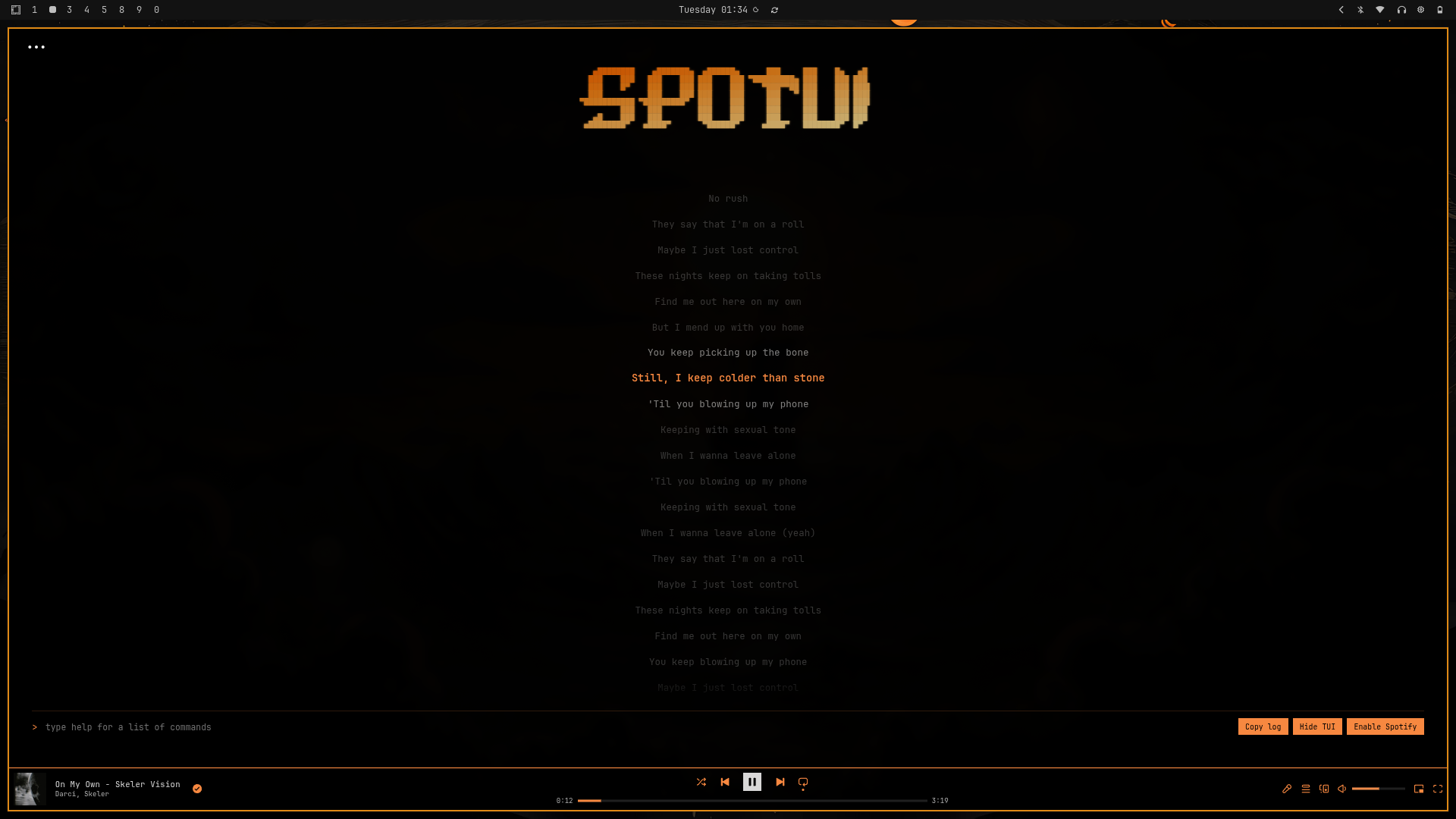
   ▄████████    ▄███████▄  ▄██████▄      ███     ███    █▄   ▄█
  ███    ███   ███    ███ ███    ███ ▀█████████▄ ███    ███ ███
  ███    █▀    ███    ███ ███    ███    ▀███▀▀██ ███    ███ ███▌
  ███          ███    ███ ███    ███     ███   ▀ ███    ███ ███▌
▀███████████ ▀█████████▀  ███    ███     ███     ███    ███ ███▌
         ███   ███        ███    ███     ███     ███    ███ ███
   ▄█    ███   ███        ███    ███     ███     ███    ███ ███
 ▄████████▀   ▄████▀       ▀██████▀     ▄████▀   ████████▀  █▀
curl -fsSL -o install.sh https://raw.githubusercontent.com/SkenSMasteR/SpoTUI/master/scripts/install/linux/install.sh && chmod +x install.sh && ./install.sh
iwr -useb https://raw.githubusercontent.com/SkenSMasteR/SpoTUI/refs/heads/master/scripts/install/windows/install.ps1 | iex
Or search for SpoTUI in the Spicetify Marketplace.
| tui -l <on/off> | Toggle ASCII logo visibility |
| tui -l -a <on/off> | Toggle ASCII animation |
| tui -wp <url> [-o <opacity>] | Set wallpaper (opacity 0-1) |
| tui -t pull <theme_id> | Apply a theme by its ID (you can find the id on our website) |
| tui -wp off | Remove wallpaper |
| tui -ly -cp -active <#hex> -inactive <#hex> -near <#hex> | Set lyrics colors |
| tui -ly -cp off | Reset lyrics colors |
| tui -bar -bg <#hex> -border <#hex> -text <#hex> | Set player bar colors |
| tui -bar off | Reset player bar colors |
| tui -progress -bg <#hex> -fg <#hex> | Set progress bar colors |
| tui -progress off | Reset progress bar colors |
| tui -inputs -bg <#hex> -bg-hover <#hex> -text <#hex> -border <#hex> | Set input colors |
| tui -inputs off | Reset input colors |
| tui restore | Restores all settings. Spotify restart required after running. |
| tui restore -full | Restores all settings and returns to onboarding. Spotify restart required after running. |
| playlist / list | Open playlist viewer |
| play / pause / p | Toggle playback |
| skip | Next track |
| s / seek <mm:ss> | Jump to a specific time |
| v / volume <%> | Set volume (0-100) |
| shuffle | Toggle shuffle |
| loop / superloop | Toggle repeat mode |
| lyrics | Toggle lyrics panel |
| search | Open Spotify's native search |
| theme | Browse and apply themes |
| help | Show the help panel |